
Now one can create presentations in minutes instead of spending hours with consistent formatting and gorgeous designs. In this AI powered era we can design visually appealing presentations to present our audience. This article dives deep into the top AI tools to make PowerPoint presentation’s that can automate work, allowing you to focus on what truly matters: your message.
Best AI Presentation Tools
Here’s a breakdown of the leading AI presentation platforms, their unique features, and how to use them.
GAMMA
Gamma is a next-generation tool that treats presentation creation like writing a document. With the help of Gamma one can create presentation, documents, social media posts, images and websites.
Features
- Using Prompt: Simply describe your topic, and Gamma will generate a complete deck with content, images, and a logical flow.
- Document-like Editing: Edit your entire presentation in a single, scrollable document view. Changes automatically refine the slide design.
- Web-Native & Interactive: Presentations live online and can be embedded with interactive elements like charts, polls, and videos.
- One-Click Reskin: Instantly change the entire theme and design of your presentation without manually adjusting each slide.
How to Use Gamma
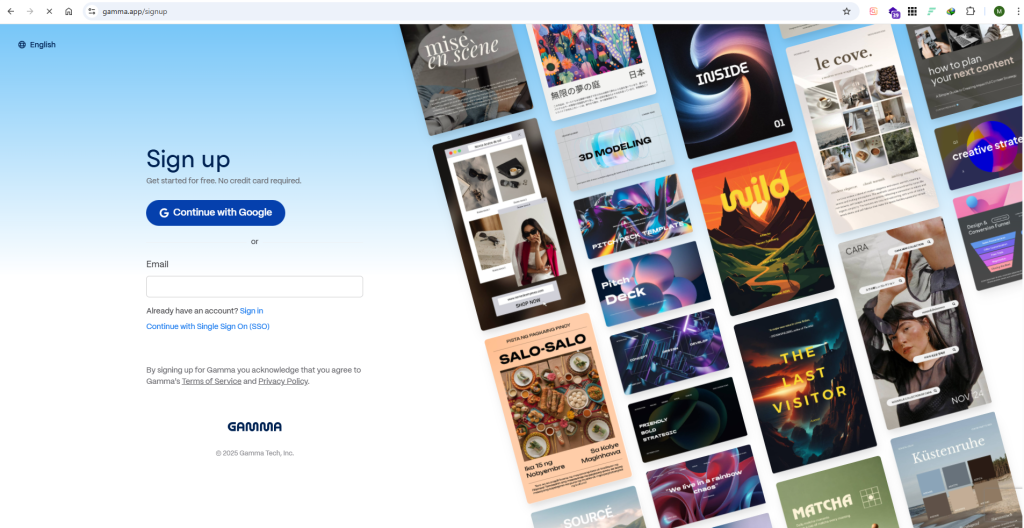
- Create Account: Go to Sign up page and now create your account using your email or either you can signup using your google (Gmail) account.
- Create Presentation: You can create your presentation in 04 ways; By writing a prompt, by adding your own text, From a URL or from a template.
- Gamma generates an outline; you can refine it before it builds the deck.
- Use the built-in editor to tweak text, add media, and reskin the design.
- Share via a link, embed it, or export it.
Pricing
- Free: Limited generations, basic templates, Gamma logo is added as watermark.
- Pro: $10/month (billed annually) – Unlimited creations, AI content & design, custom branding, export to PDF/PPTX.
- Plus: $20/month (billed annually) – Team collaboration, advanced analytics, dedicated support.
Beautiful.AI
Beautiful.AI is a tool to generate and automate presentations in a professional way. Its “Smart Templates” ensure every element you add is perfectly aligned and on-brand.
Features
- Smart Templates: Each template (e.g., chart, timeline, photo grid) is intelligent. Adding content automatically adjusts the layout, spacing, and animations.
- Design Consistency: Ensures your entire deck maintains a consistent and professional look without any manual effort.
- Team Libraries: Allows teams to create and lock brand-approved templates, logos, and color palettes.
- AI Content Creator: Has a built-in AI assistant to help you write and refine slide content.
How To Use
- Create Account: First of all, go to Signup page and create your account with your email address or either with Gmail account or Microsoft Account.
- Choose a starting template or a “Creator” (AI-powered deck generator).
- Add “Slides” from the Smart Template library.
- Drop in your content (text, images, data); the template automatically adapts.
- Use the AI Assistant to rewrite text or generate bullet points.
- Present, share, or export.
Pricing
- Pro: $12/month (billed annually) – Unlimited slides, AI content, custom templates, PDF export.
- Team: $40/user/month (billed annually) – Team libraries, brand controls, collaboration, analytics.
- Enterprise: Custom pricing – Advanced security, admin controls, dedicated support.
Decktopus
Decktopus is a highly automated, all-in-one solution that design and create presentation, also has capability to add voice-overs.
Features
- Multimedia Integration: Automatically suggests and generates relevant images, icons, and even voice-over narration for your slides.
- AI-Powered Q&A Section: Creates a dynamic Q&A slide that anticipates audience questions.
- Forms and Analytics: Embed forms to collect leads and view analytics on who viewed your deck.
- Extensive Template Library: Huge selection of templates for specific use cases (academic, business, marketing).
How to Use
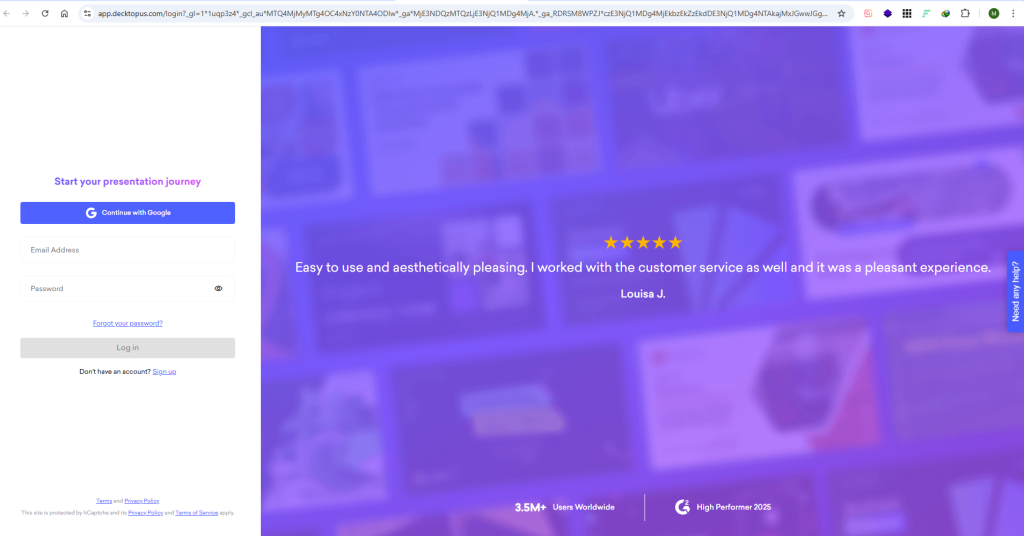
- Create Account: First of all, create account using Email or with Google Account (Gmail).
- Select a template or let the AI choose for you based on your topic.
- Answer a few questions about your presentation goals.
- Decktopus generates a full deck. You can then use AI to edit each slide’s content, images, and add voice-overs.
- Record your narration directly onto each slide.
Pricing
- Free: 3 presentations, 5 AI credits/month, Decktopus branding.
- Pro: $15/month (billed annually) – 50 presentations, 250 AI credits, video/audio narration, analytics.
- Business: $30/month (billed annually) – Unlimited presentations, 1000 AI credits, white-labeling, priority support.
Pitch
Pitch is best AI presentation tool to achieve ideal results.
Features
- Collaboration-First: Real-time editing, comments, and assignment tracking built for teams.
- Brand Kits: Teams can upload and lock fonts, colors, and logos to ensure every presentation is on-brand.
- AI Presentation Generator: Creates a first draft from a prompt, complete with content and design.
- Smart Sections: Pre-built sections (like “Team” or “Case Study”) can be dropped in and automatically adapt to your deck’s theme.
How to Use Pitch
- Create Account : Create account with your email address.
- Start with the AI generator or choose a template from your company’s workspace.
- The AI creates a draft; team members can collaborate in real-time to edit.
- Use the integrated brand kit to ensure all assets are correct.
- Share with stakeholders and track when it’s been viewed.
Pricing
- Free: Unlimited presentations, 10 AI generates/month, basic brand kit.
- Pro: $12/user/month (billed annually) – Advanced brand kits, custom templates, unlimited AI generation, video recording.
- Enterprise: Custom pricing – SSO, advanced security, dedicated support.